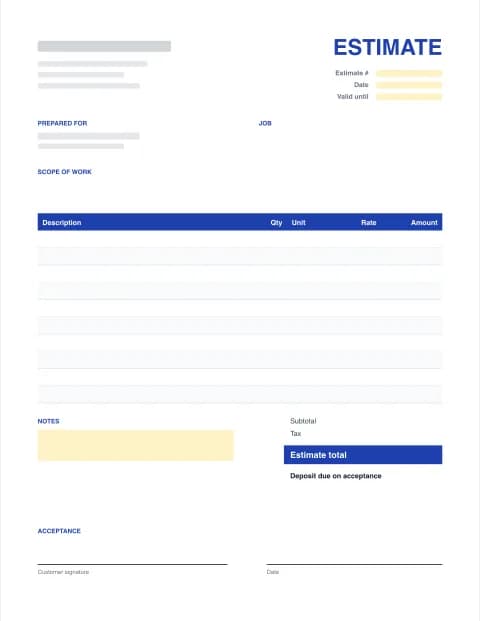
By the Estimate Templates editorial team · Last updated · Formulas checked against worked examples
What a quote template should include
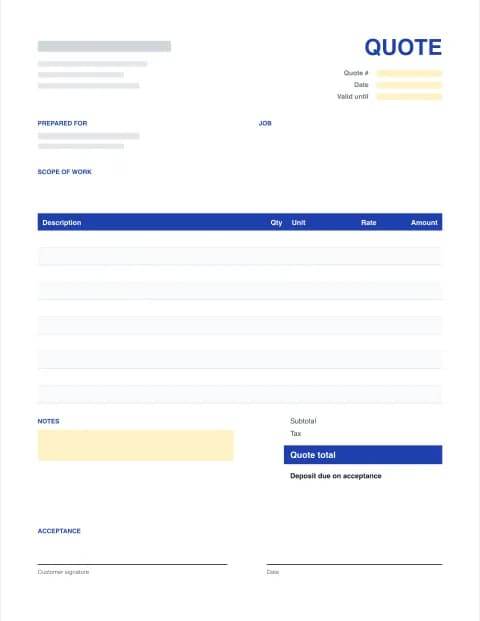
- The word "Quote" and a quote number, so you can match the order or invoice to it later.
- Quote date and valid-until date. The price only holds for that period.
- Your business and the customer, with contact details on both sides.
- A short scope: what's included, quantities and the delivery or completion date.
- Itemized prices: description, quantity, unit, price and amount for each line.
- Subtotal, discount, tax and quote total, plus any deposit you need to start.
- Terms: payment terms, what happens if the scope changes, delivery or warranty.
- Acceptance: a signature and date line so the customer can say yes in writing.
How to write a quote (5 steps)
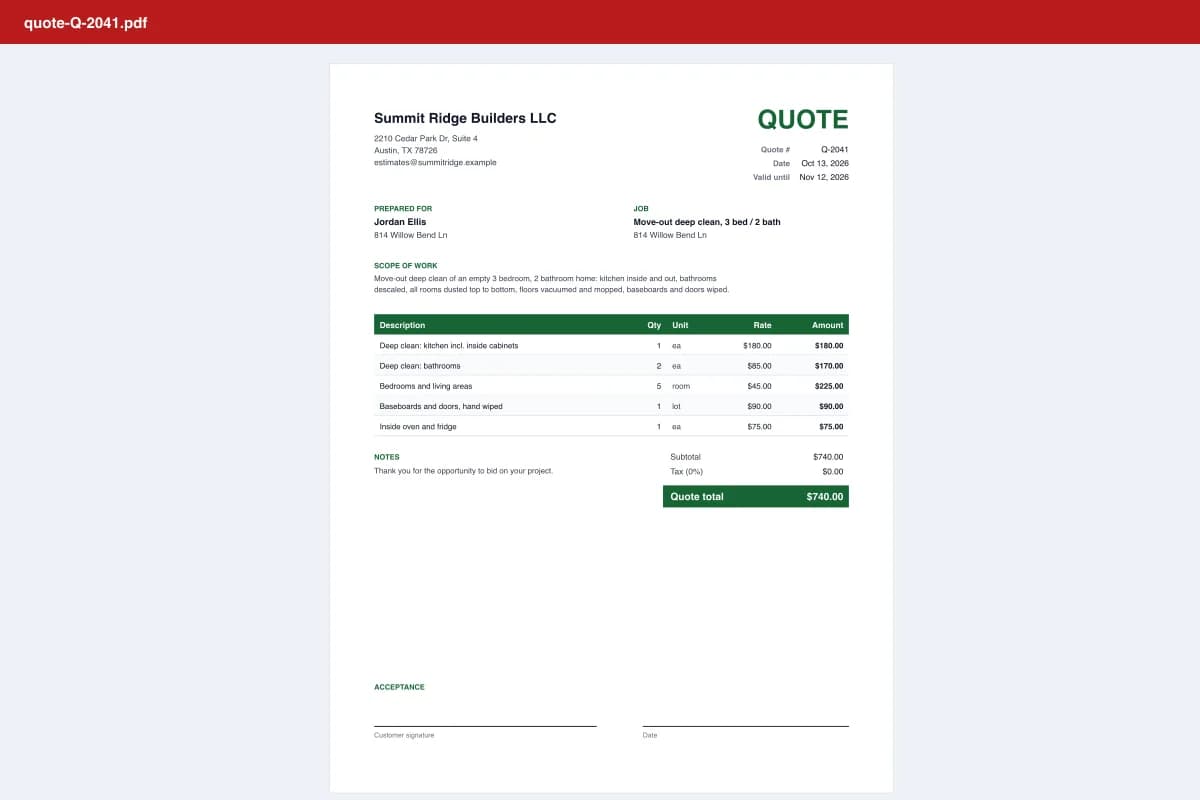
- Enter your business and customer. Add your business name, contact details and the customer you're quoting.
- Describe what's included. Write a short scope: the products or services, quantities and delivery or completion date.
- List each item with a price. Add a line for every product or service with quantity, unit and price. Totals and tax calculate automatically.
- Set how long the price holds. Pick a valid-until date. 30 days is common; shorter if your costs change often.
- Send it and get it accepted. Download a PDF and email it, or send an accept link with Estimate Pro so the customer can sign online.
Price quote template for products and services
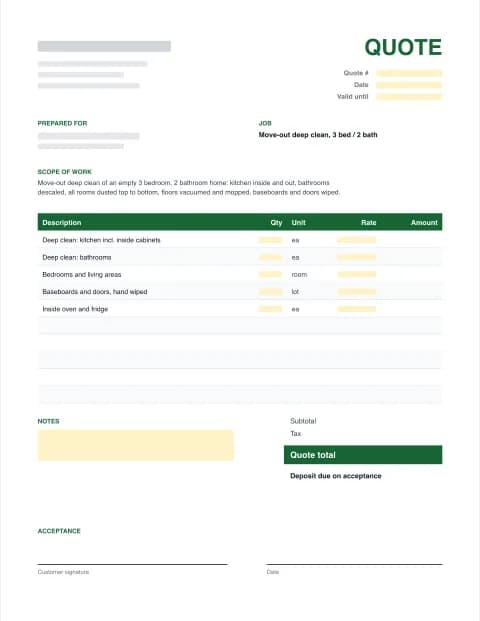
The same quote template works for a product order and a service job. For products, use the unit column for "ea", "box" or "case" and add shipping as its own line. For services, quote by the hour, visit or job, and describe exactly what each visit includes. Cleaning companies, for example, usually quote a flat price per visit; see the cleaning quote template.
| Use | Typical lines | Tip |
|---|---|---|
| Product quote | Item, qty, unit price, shipping | State lead time and whether prices include delivery |
| Service quote | Hours or visits, rate, materials | List what's excluded, such as travel or weekend work |
| Project quote | Phases with a price each | Tie the payment schedule to milestones |
After you send the quote
Follow up two or three days later and again shortly before it expires. Quotes that are easy to accept get accepted faster, which is why Estimate Pro lets the customer sign on their phone from a link, and shows you when they've opened it. When they say yes, turn the quote into an invoice; our sister site Excel Invoice Maker has matching invoice templates.
Working in construction or a trade? Use an estimate template for jobs with unknowns, or a trade version such as the contractor estimate template.